Early access is open
Every company's books. One login. Done quickly.
Import bank statements, categorize in a click, reconcile to the penny, and hand your CPA clean reports. Built to feel like the tools you already know, for people who run more than one business.
No bank credentials needed. Accounts are approved by your admin.
 Harbor Street Cafe ▾Navigate. Find transactions, accounts, reports, and more.JM
- Checking7 to review
- SavingsUp to date
- Company cardUp to date
Everything a bookkeeper does, in the order they do it
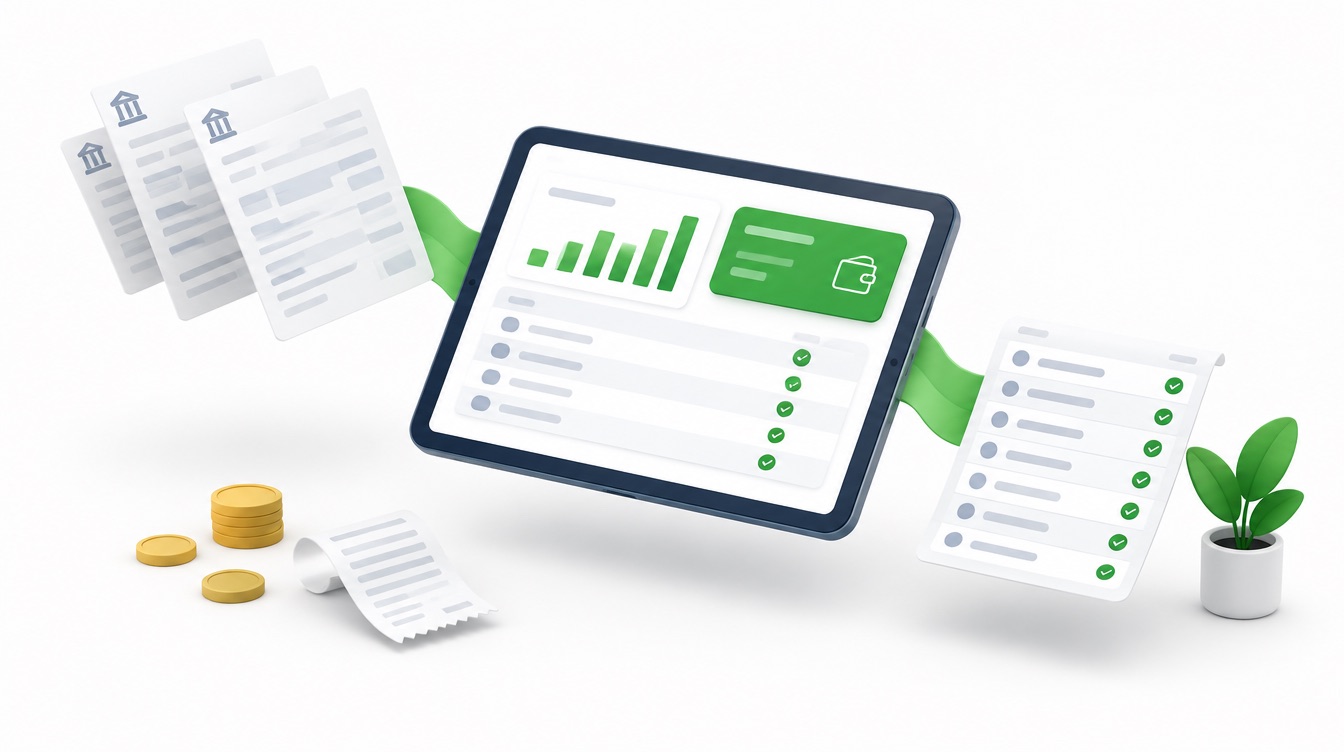
Bank lines come in, get matched or categorized, get reconciled against the statement, and show up on reports. Each step is one screen.
Bank statements in, categorized out
Upload the CSV your bank already gives you. We detect the columns, skip duplicates, and suggest a category based on how you handled similar lines before.
Reconcile to the penny
Enter the statement ending balance, check off what cleared, and watch the difference hit zero. Finished reconciliations lock, with history you can undo.
Daily entry built for speed
A keyboard-first screen for the day's receipts and payments. Enter saves and starts the next line; known payees fill in their usual category.
A real cash log
Every dollar of physical cash in and out, grouped by day with a running balance, so the register and petty cash always tie out.
Reports your CPA will accept
Profit and Loss, Balance Sheet, and transaction lists for any period. Printable, exportable, and built on proper double-entry books.
Every company, one login
Switch between businesses from the top of any page. Each keeps its own chart of accounts, bank feeds, reconciliations, and reports.
Up and running in an afternoon
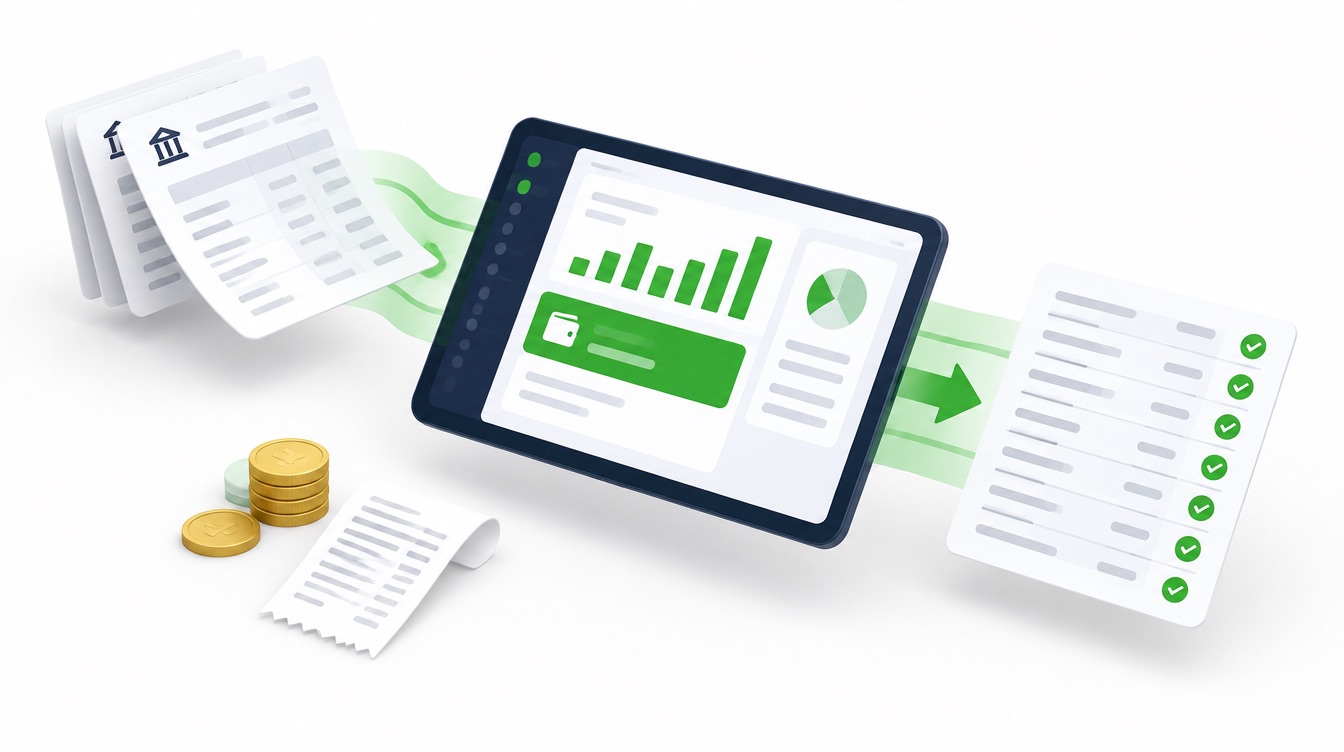
Add your companies
Each one starts with a standard chart of accounts you can rename or trim. Bring opening balances from your last statement.
Upload a bank CSV
Review each line: match it to something already in the books, or add it with a category. Suggestions learn from you.
Reconcile and report
Type the statement ending balance, check off cleared items, finish at a zero difference, then run the P&L and balance sheet.
The right amount of access for everyone
Owners, bookkeepers, and accountants all work in the same books. Four levels keep the right hands on the right controls, and every new account waits for an admin's approval.
- New sign-ups wait for approval; admins get an email
- Disable someone and they are signed out everywhere
- View-only accounts can still run and export every report
Admin
Everything, plus approving people and setting their level.
CPA
Full bookkeeping, reconciliation, chart of accounts, and settings.
Normal
Day-to-day entry and bank-feed categorizing.
View only
Browse everything and run reports. No changes.
Straightforward pricing
Plans will be published at launch. Early-access accounts can be created today, and your books come with you whatever we announce.
Request an accountQuestions people ask first
Do I have to connect my bank?+
No. Export a CSV from your bank's website and drop it in. It works with every bank, and nothing stores your online banking credentials.
Is this real double-entry bookkeeping?+
Yes. Every expense, deposit, transfer, and journal entry is a balanced entry under the hood, so the balance sheet always balances.
Can my accountant get in?+
Yes. Give them the CPA level and they get the full books, reconciliation, and reports without admin powers over your users.
Who approves new users?+
An admin. Anyone can request an account, but nobody sees a single number until an admin approves them and picks their level.
Can I take my data with me?+
Every report and list exports to CSV at any time.